Like Jennie dancing: every kind of video, from covers to AI
Like Jennie dancing videos come in five kinds: covers, dancing in public, mirrored practice, idols dancing to it, and AI dance clips. What each one is, what it takes, and how to make the AI version.
By Like Jennie AI · Updated · 4 min read
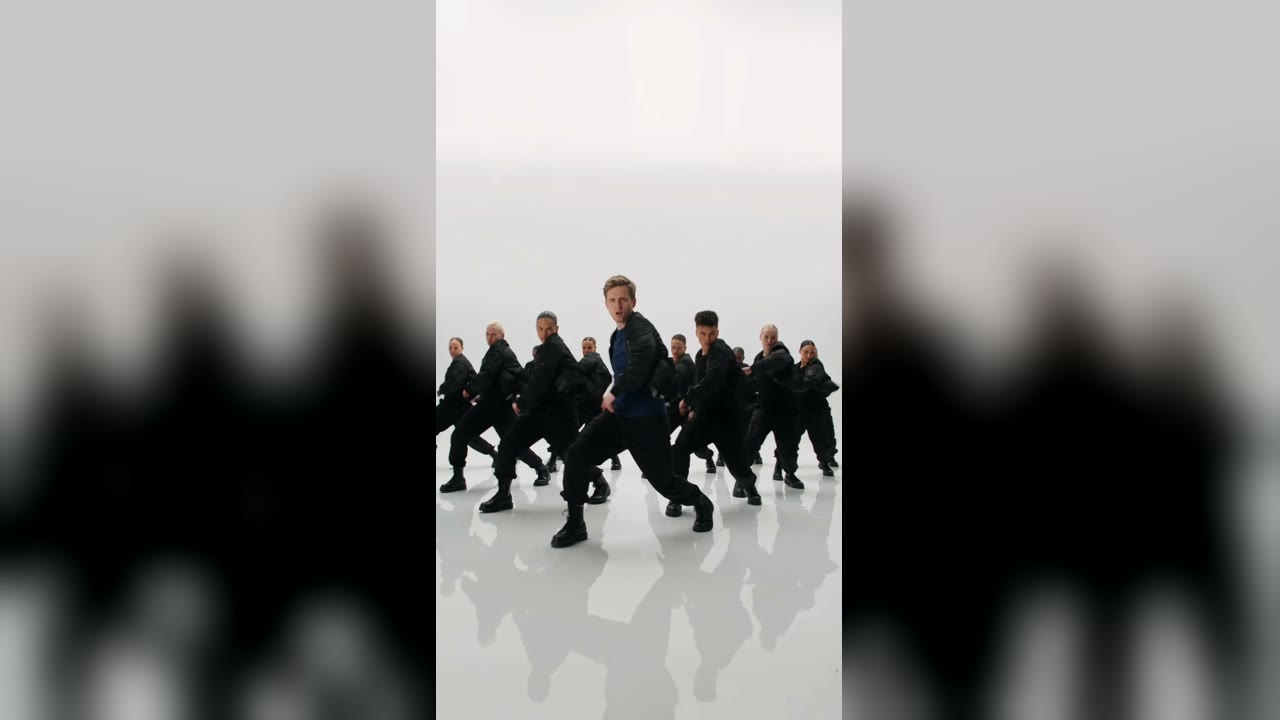
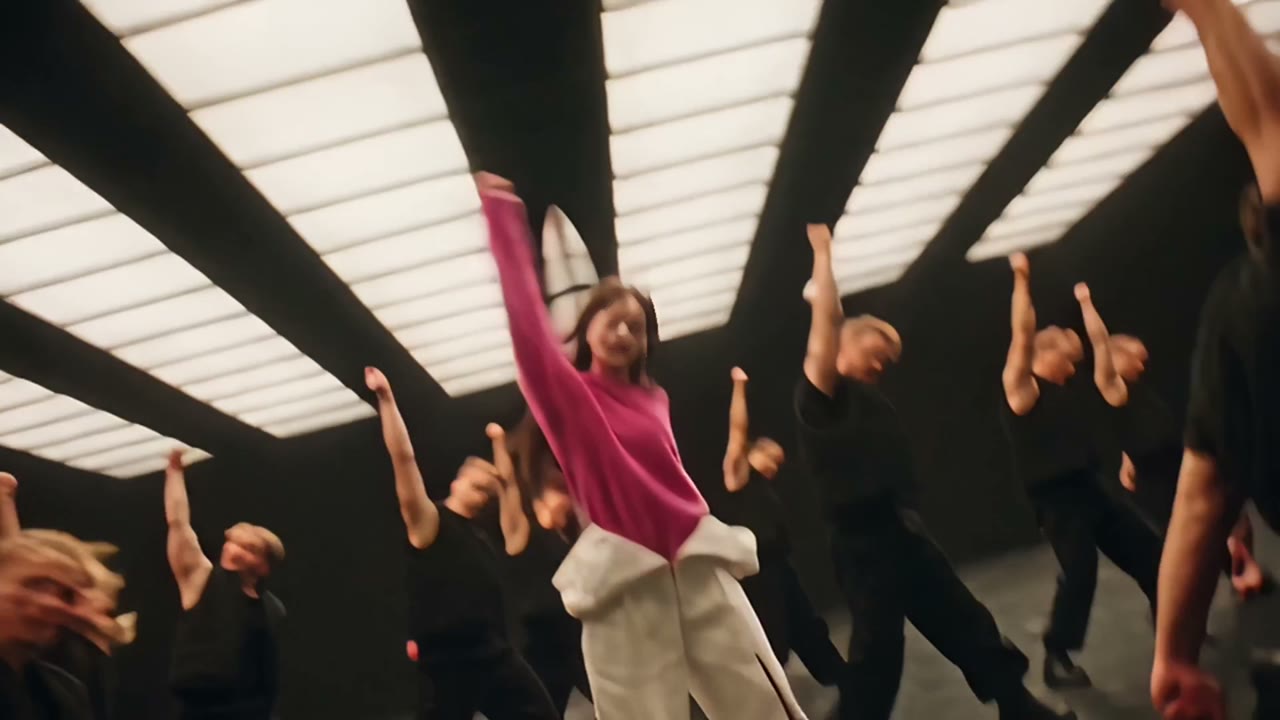
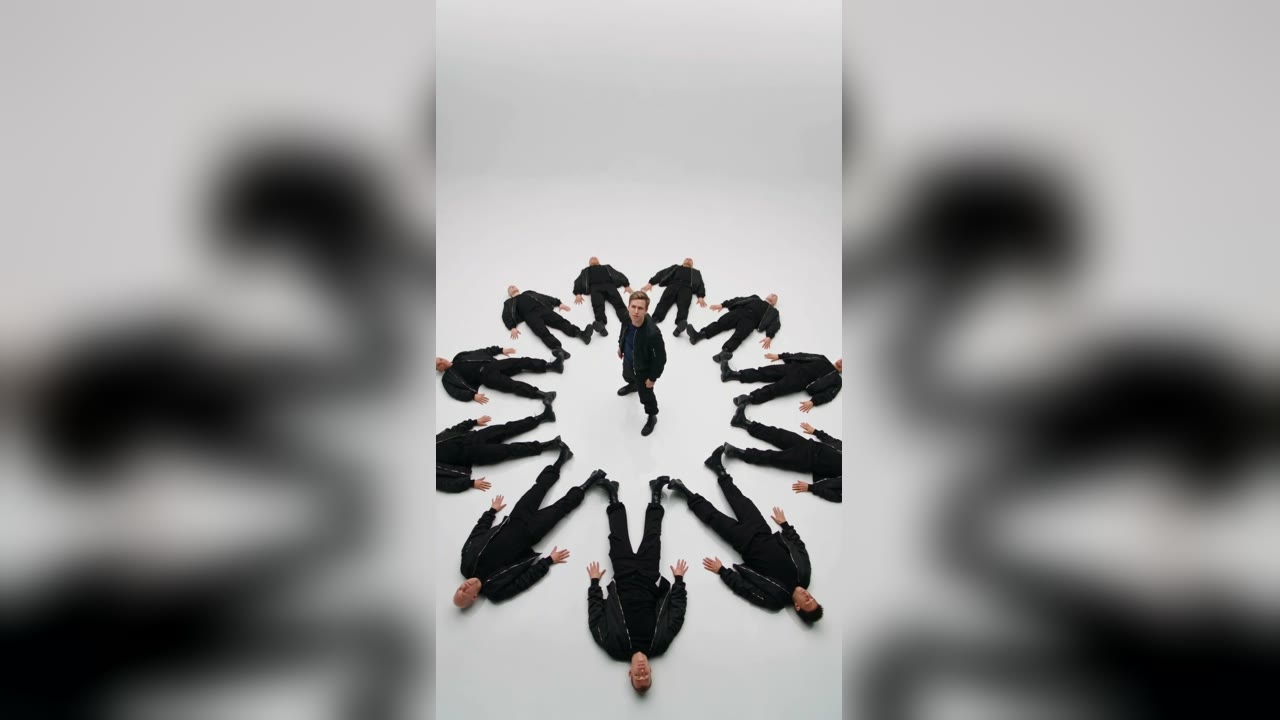
Search “like jennie dancing” and you get a mix: K-pop idols dancing to it, dancers doing it in public, mirrored practice videos, and now AI clips of people (and pets) who never learned a step. Here is a map of every kind of Like Jennie dancing video, and where the AI version fits in.
The kinds of Like Jennie dancing videos
| Type | What it is | What you need |
|---|---|---|
| Dance cover | A dancer or group learns the routine and films it | Weeks of practice, a space, a camera |
| Dancing in public | A cover filmed on a street or in a mall | Practice plus nerve |
| Mirrored practice | The routine flipped left-right so you can follow along | A screen and a mirror |
| Idols dancing to it | Other artists doing the hook on shows or social media | Being an idol |
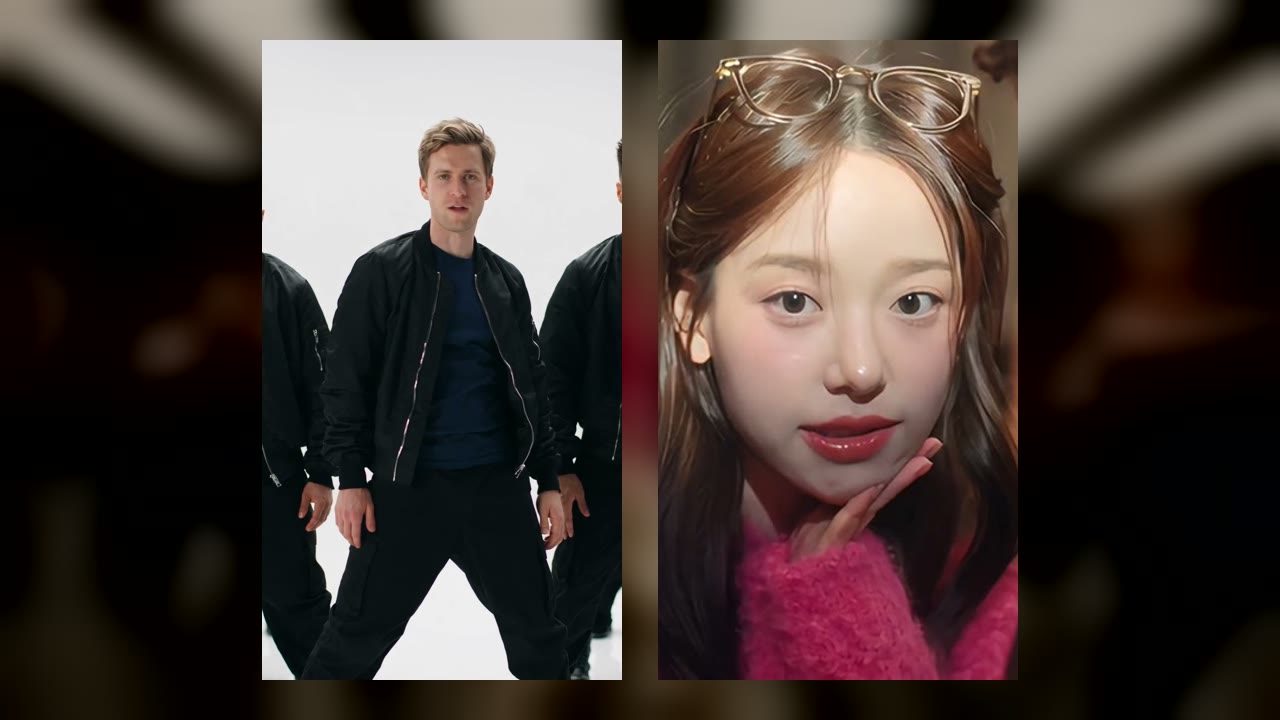
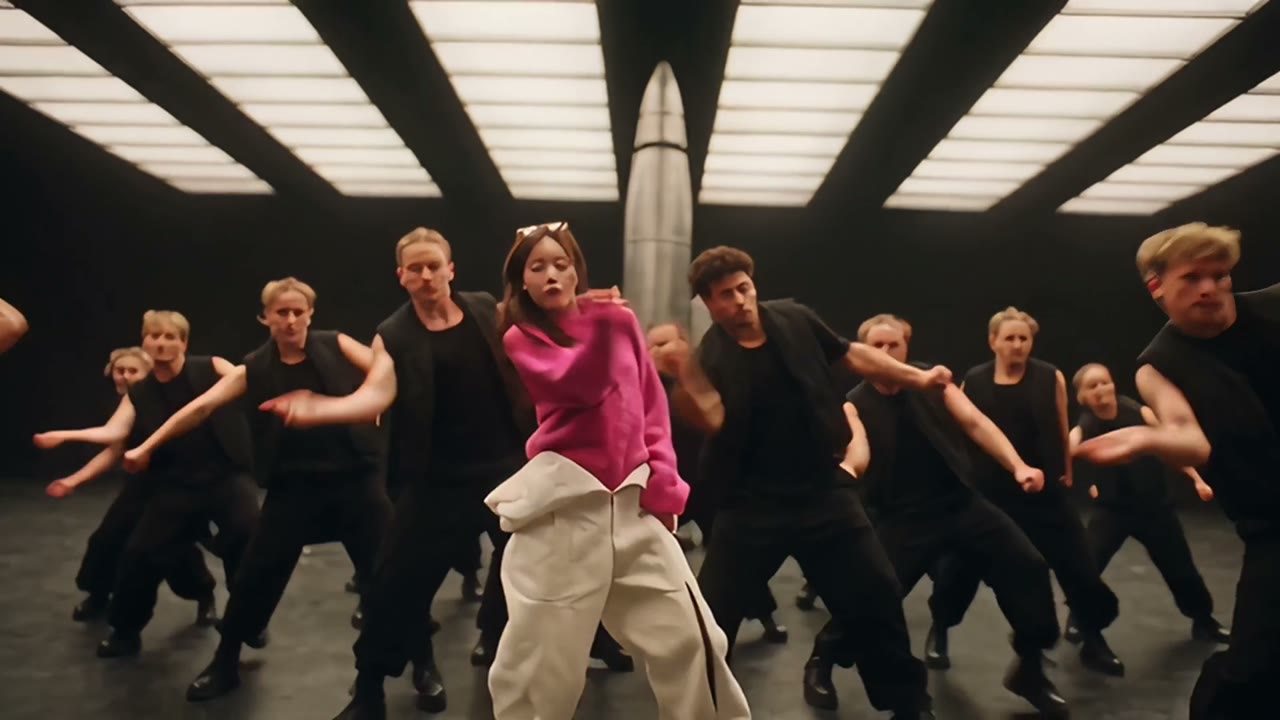
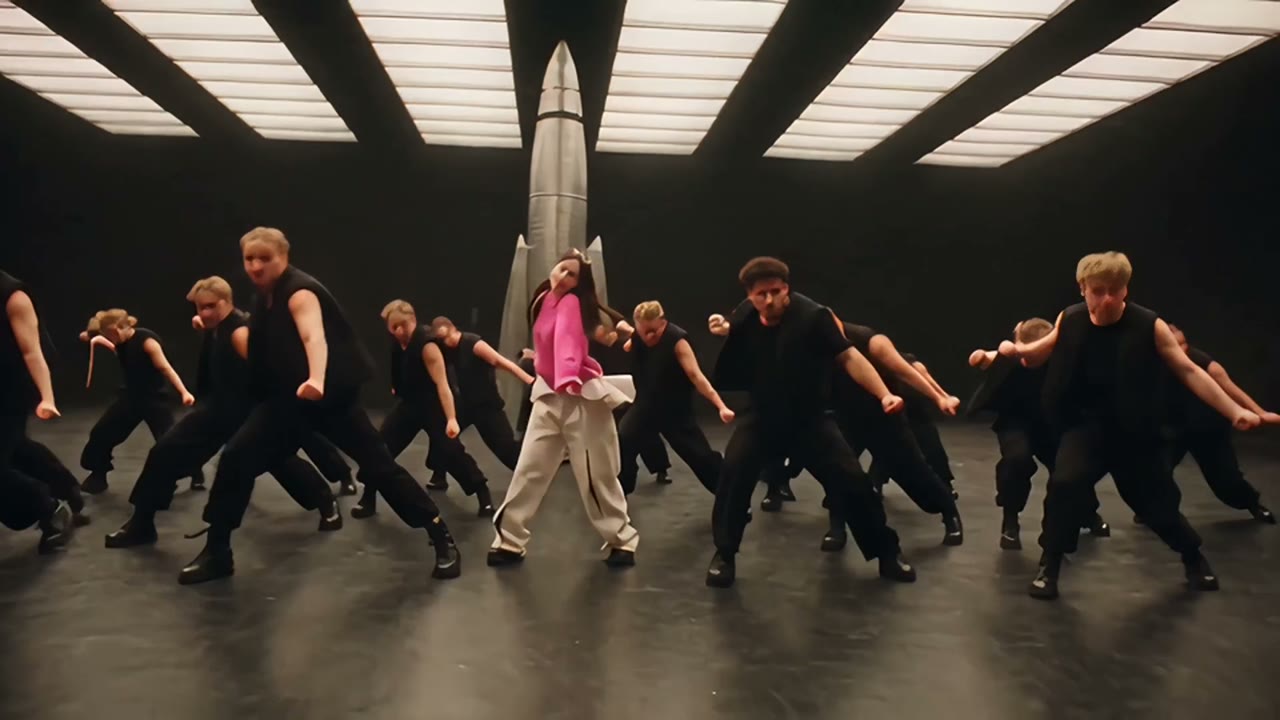
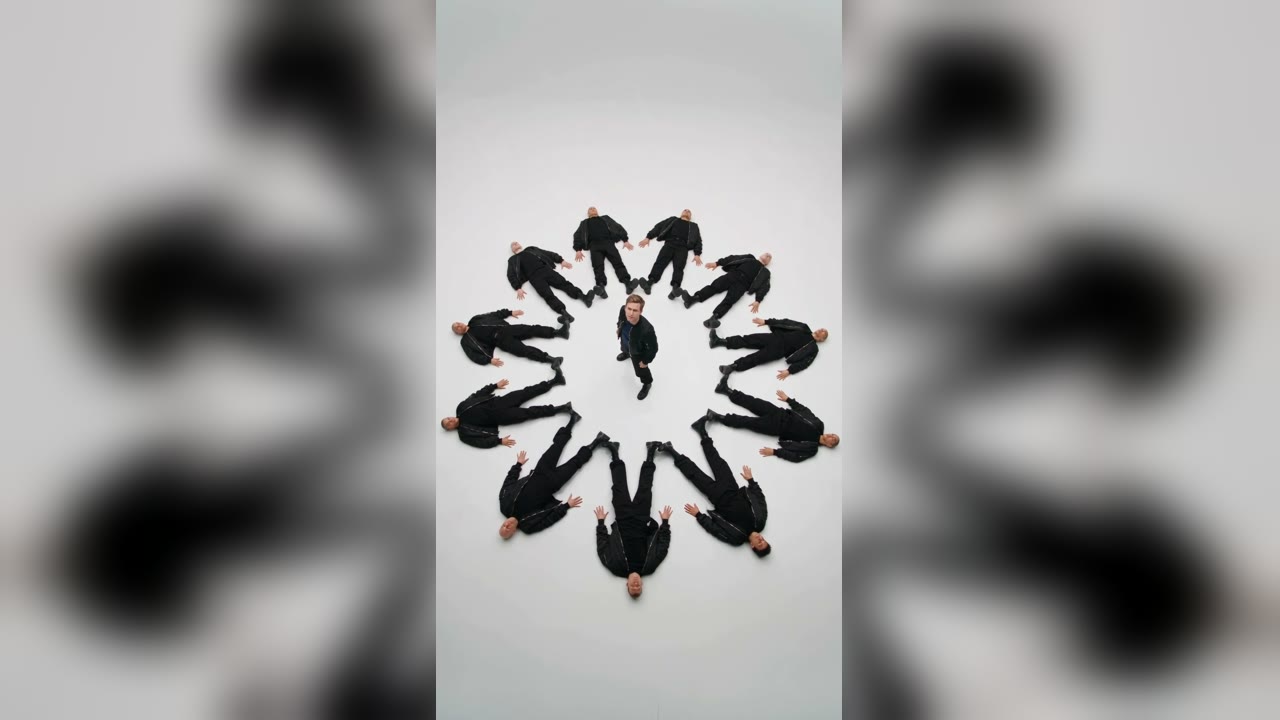
| AI dance | An AI recasts the lead of a reference clip with your photo | One photo, a few minutes |
Why the AI version is different
A cover is your body doing the moves. An AI dance is a finished music-video shot (crew, lighting, camera moves) with your face on the person in front. You will not learn the dance from it, but you also do not need to: it is the fastest way to end up in a “like JENNIE” video that looks like it had a budget.
Search engines show the same split. Google suggests “kpop idols dancing to like jennie” and, for “like jennie ai”, “like jennie ai dance”; YouTube suggests “like jennie dancing in public”, “dance cover”, “practice”, “mirror”, “dance break” and “challenge”.
If you want to dance it for real
Look for a mirrored practice video, slow it down, and learn it in eight-counts. The full routine and its dance break are hard-hitting, so warm up. Our Like Jennie dance challenge guide covers how people learn it and how they film it.
If you want the AI version
- Pick version A or B in the studio.
- Add one front-facing photo of you, a friend who said yes, or your pet.
- Generate, download, post. Turn on the AI label when you upload.