How to post your Like Jennie AI dance on TikTok, Reels and Shorts
A posting checklist for your Like Jennie AI dance: which version suits TikTok, Reels, Shorts and YouTube, how to add the “like JENNIE” sound, caption ideas and the AI label.
By Like Jennie AI · Updated · 4 min read
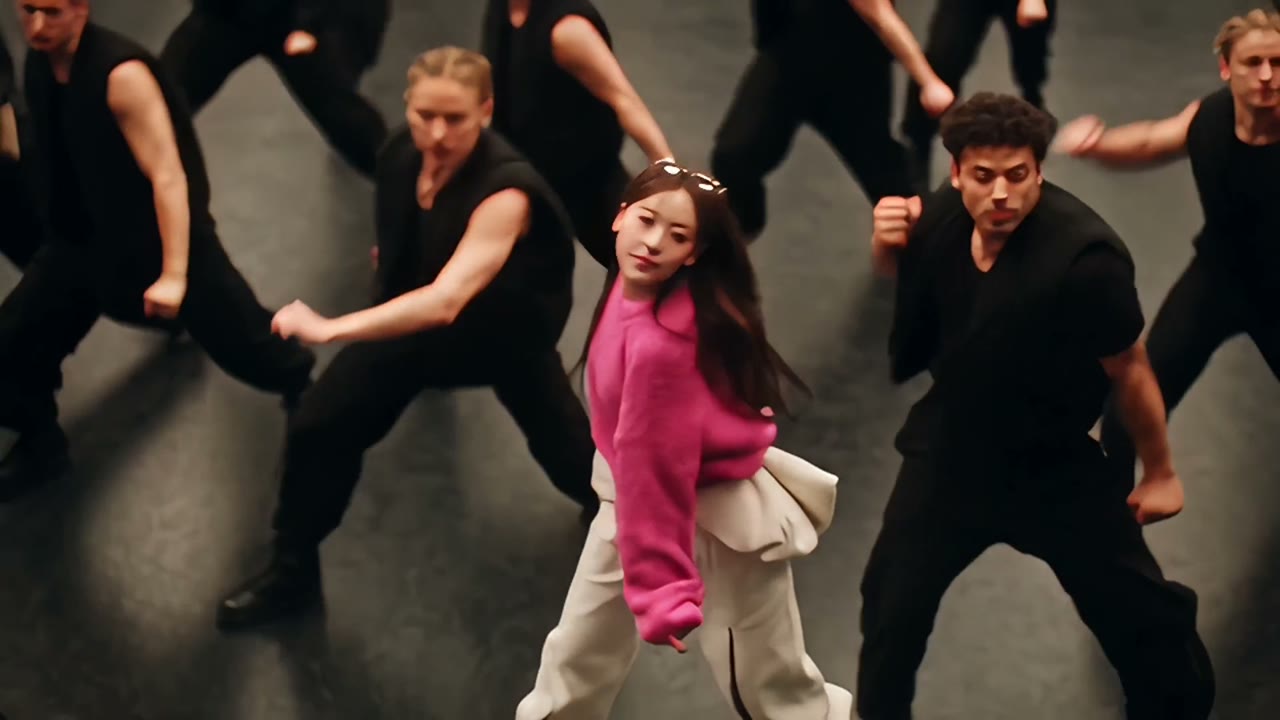
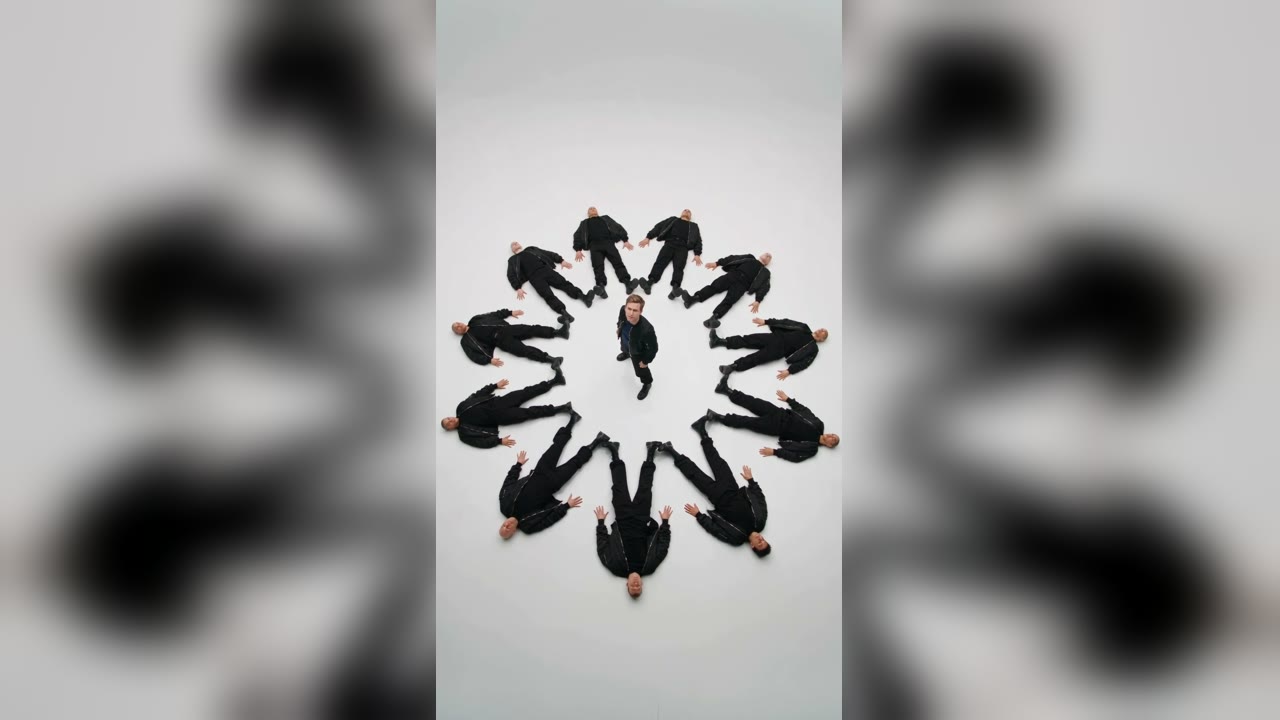
You have the MP4. Now make it land. This is a practical checklist for posting your Like Jennie AI dance on TikTok, Instagram Reels and YouTube Shorts: which version goes where, what to do about sound, what to write, and the AI label.
Pick the right version for the platform
| Platform | Best version | Why |
|---|---|---|
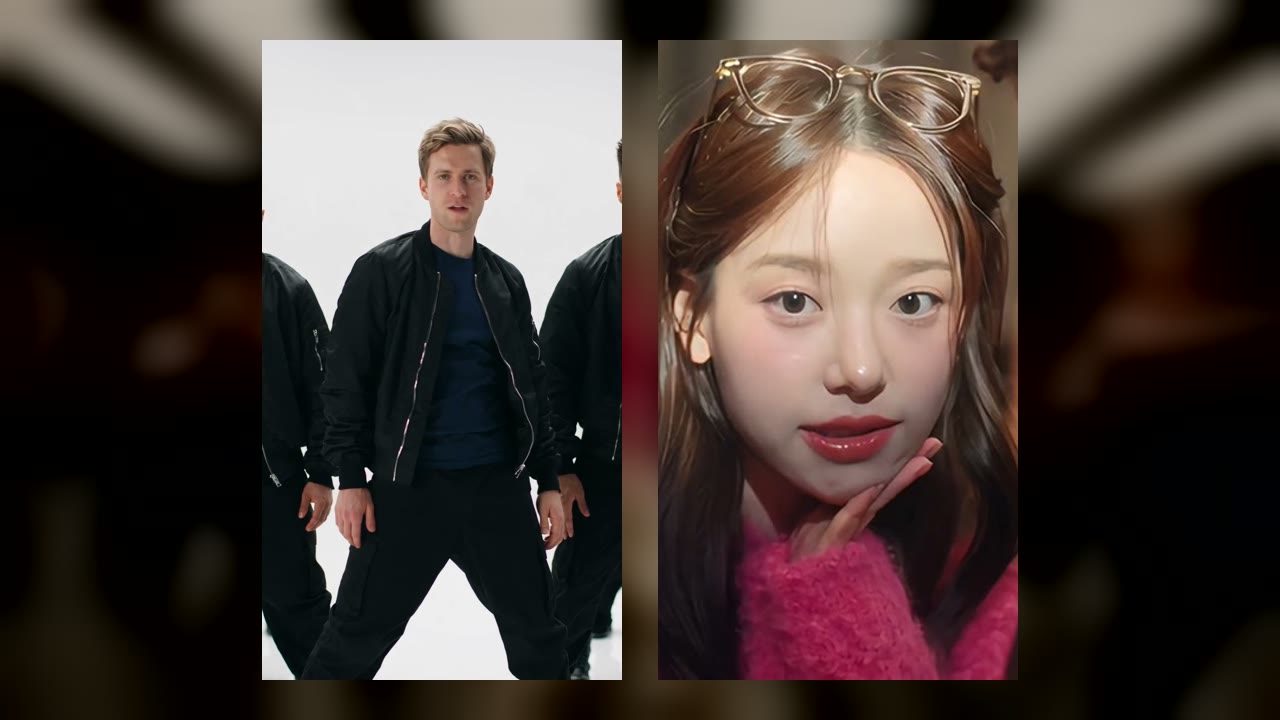
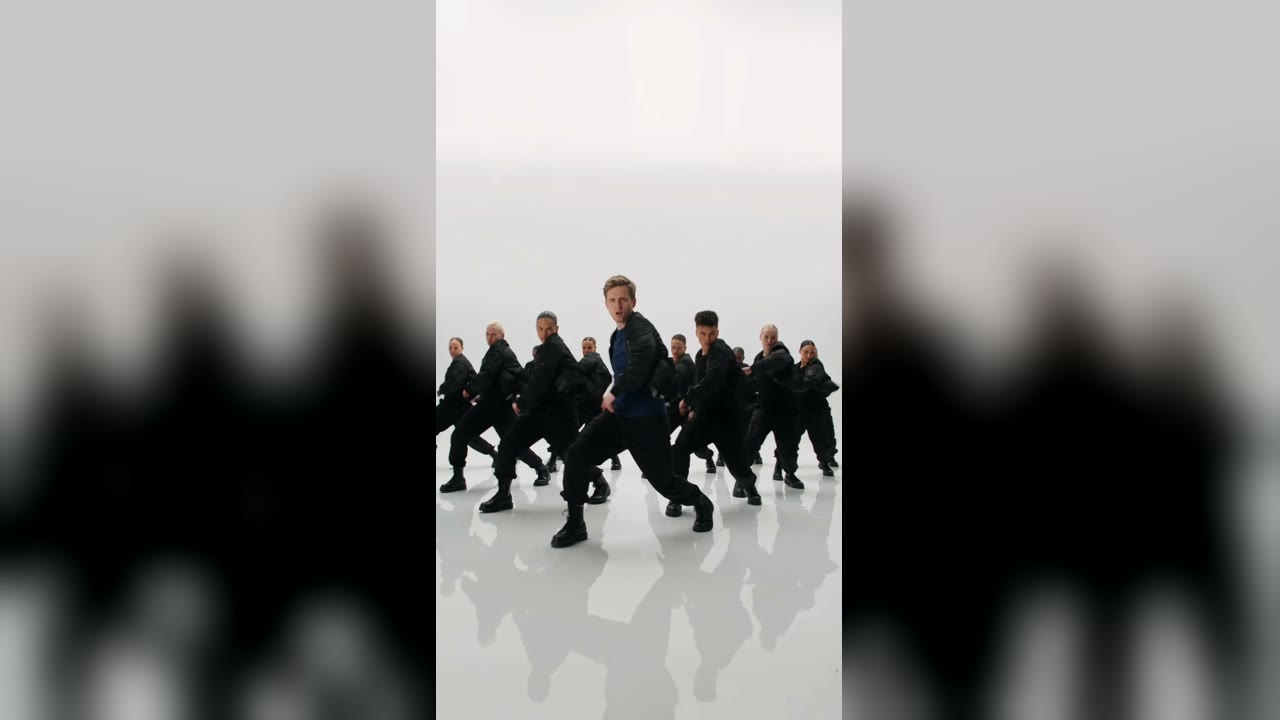
| TikTok | A · White studio (9:16) | Fills the screen, sound included |
| Instagram Reels | A · White studio (9:16) | Same as TikTok |
| YouTube Shorts | A · White studio (9:16) | Vertical, 10 seconds |
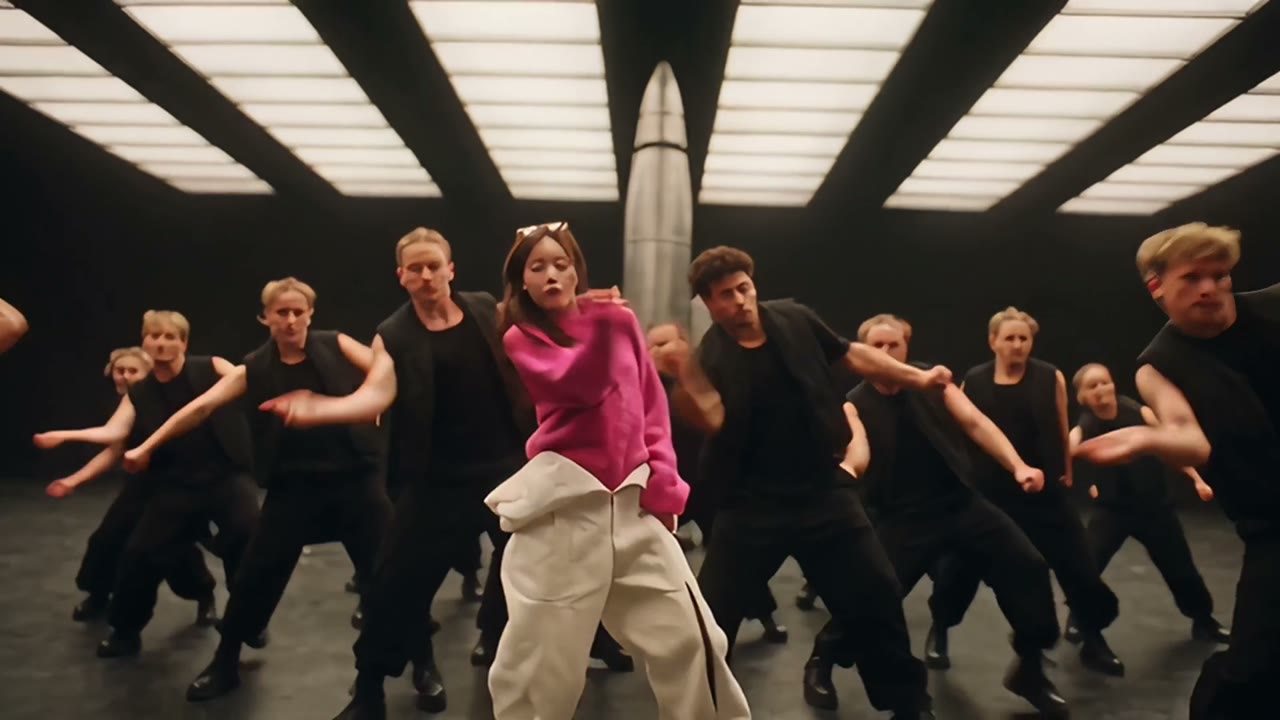
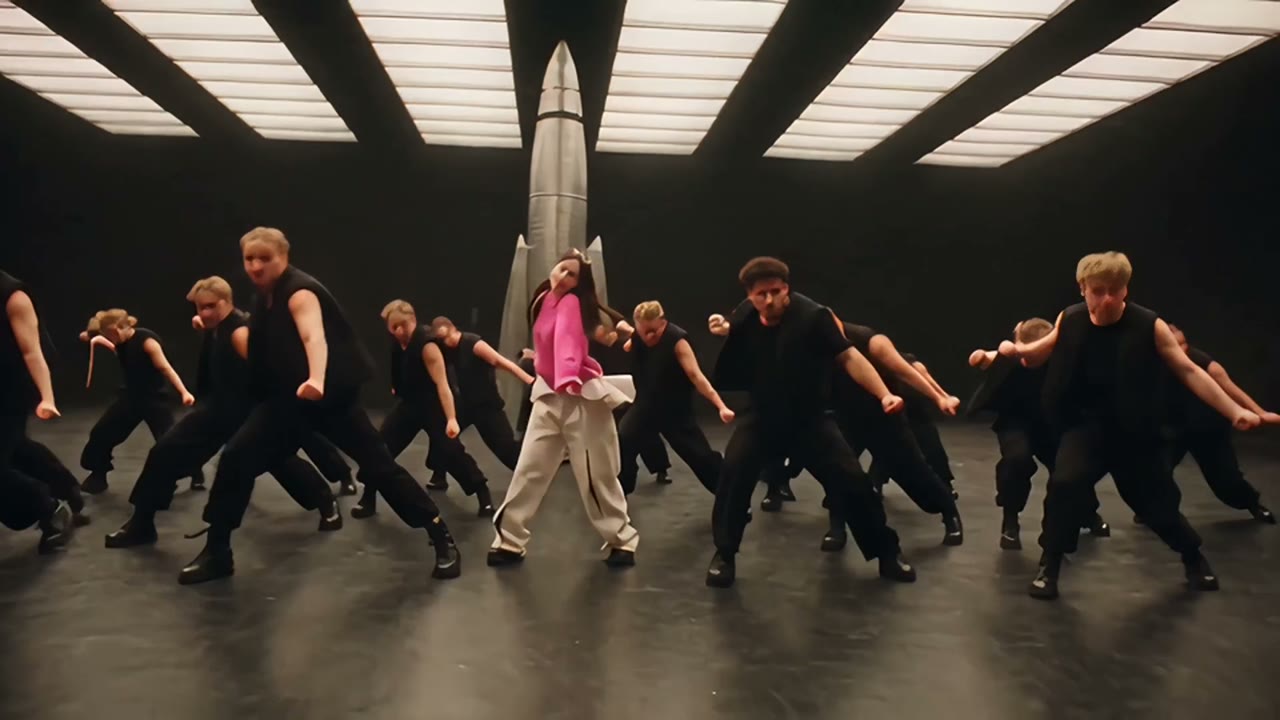
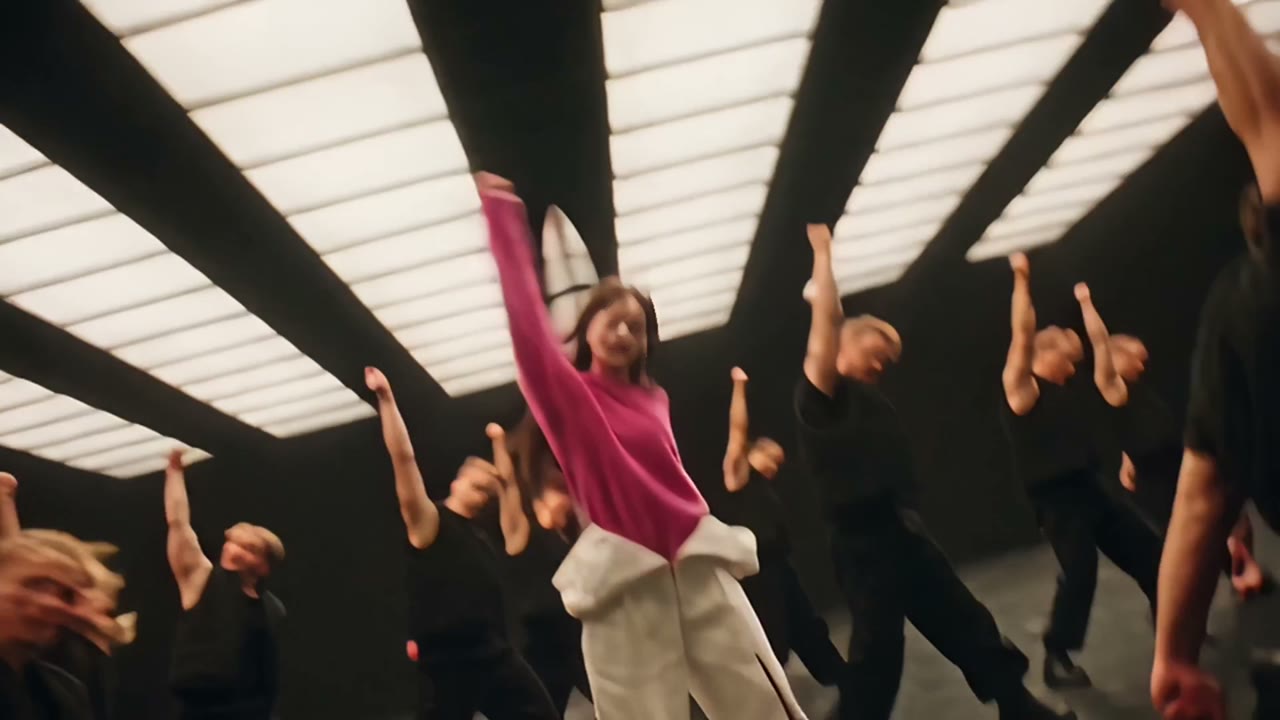
| YouTube, X, Discord | B · MV hangar (16:9) | Landscape with its own sound |
Sound: keep it, or swap it if it gets muted
Both versions come with the sound of their reference clip. If a platform mutes the audio or flags it, use its licensed music library instead:
- Upload the MP4 as a new post.
- Tap the sound or audio button and search “like JENNIE”.
- Turn the original sound down to zero, then slide the song so a beat lands on each cut (in version A, around 2.7 s, 5 s and 7.9 s).
Captions that work
- “me after one coffee” (with the clone squad)
- “my dog has a crew now” (with a pet)
- “POV: I finally learned the like JENNIE dance (I did not)”
- Hashtags: #likejennie #likejennieai #aidance #kpopdance
Turn on the AI label
TikTok, Instagram and YouTube all ask creators to disclose realistic AI-generated video. Switch on the AI-generated content setting when you upload. It is honest, and it keeps the post from being flagged later.
Do not tag it as JENNIE
Your video is a fan-made AI clip, not official content. Avoid captions that suggest JENNIE is in it or endorsed it.
No video yet? Make one in the studio first.